AlpacaX

AI-native privileged access

Govern what your AI agents actually execute

Other tools give agents access. Alpacon judges every command your agents run—before it runs.

Start free
alpacon.io/demo/approvals

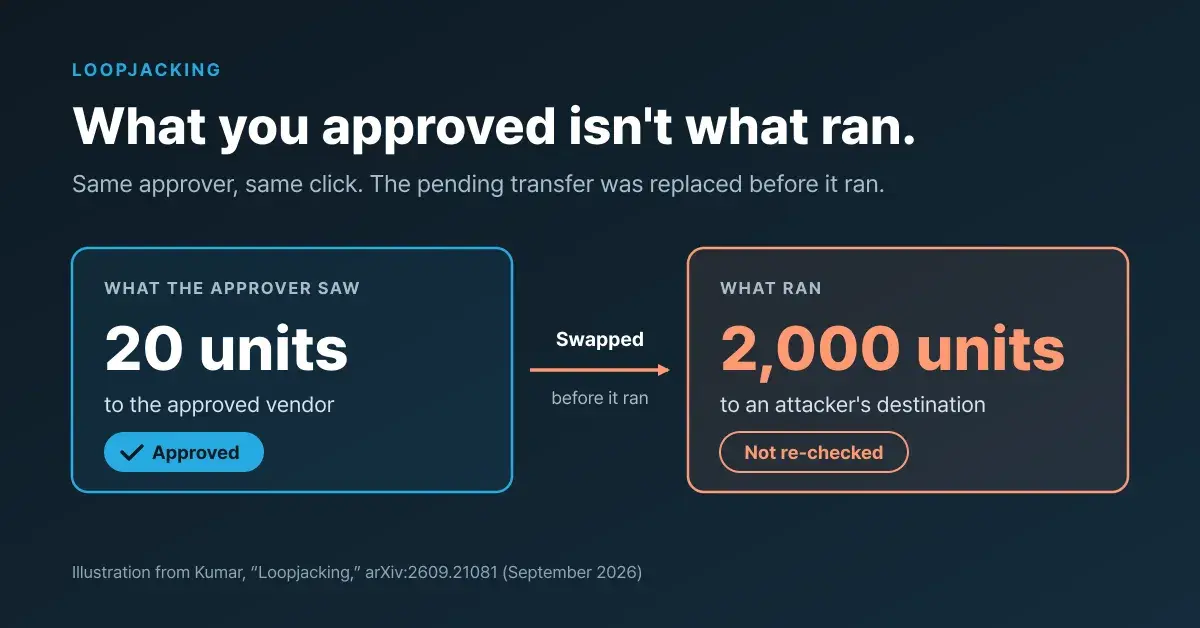
The agent asked

sudo docker exec payments-wsgi-1 python manage.py dumpdata clients.ApiClient

Work sessionSeed the staging billing ACL

svc-incident-bot2 minutes agoAI agent

Alpacon decided

Medium riskAwaiting approval

AI review held it: dumping API client credentials (client_id, secret) does not serve the session's stated goal of seeding ACL rows. No policy auto-releases an AI hold—only a person can.

  • Command does not plausibly serve the work_session description
  • Running as root

Trusted by the most security-demanding organizations and fast-growing teams.

Our customers

  • NSR
  • ETRI

Backed by · Partners

  • Rabbit Ventures
  • KAIST Ventures
  • POSCO IMP
AlpacaX SOC 2 trust badge by OneleetSOC 2 Type 2 in progress
Theori, penetration testing partnerIndependently penetration tested
Trust center

The governance gap

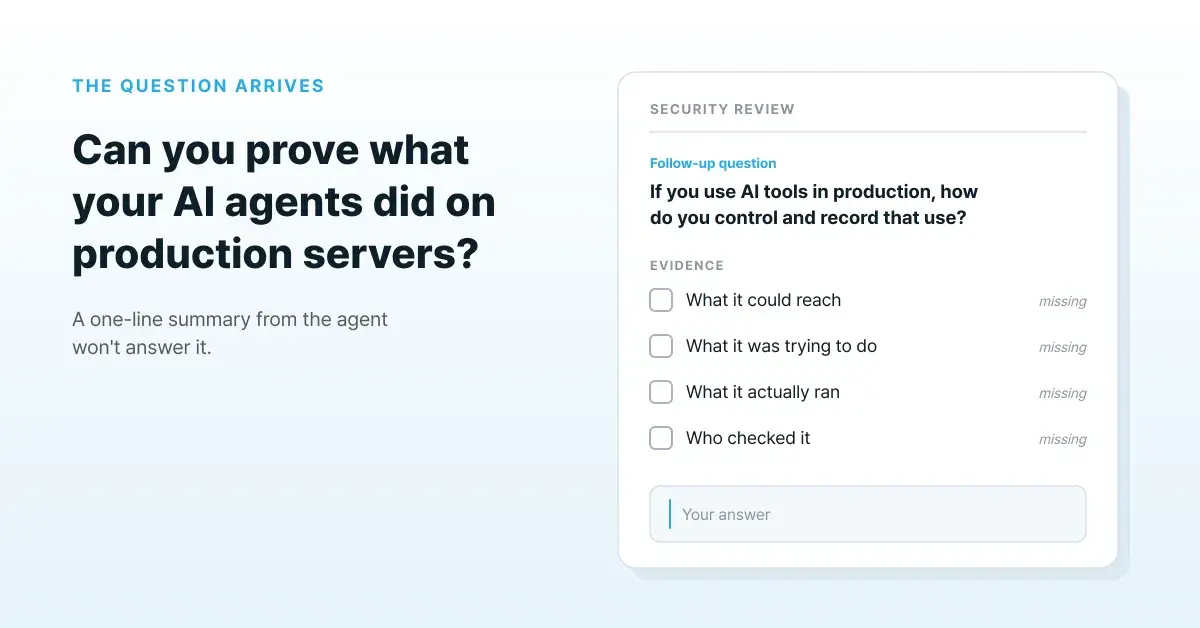
Most teams believe their agents are governed. Almost none can prove it.

The gap is not malice. It is missing evidence at the execution layer.

Who's asking

  • AI agents
  • Engineers
  • CI/CD pipelines
  • Vendors

Log in with Google or Okta.

Alpacon · execution control

Judged before it runs

  • Allow
  • Hold for a human
  • Deny

Agent and sudo commands, judged against the session's declared purpose and security risk.

reaches the host
never does
Your servers

Everything that happened lands on the timeline—every command, work session, and approval.

How it works

One incident, from the alert to the audit trail

A monitoring alert lands, an agent picks it up, and a record is what is left at the end.

Your monitoring fires first—Alpacon is nowhere in this picture yet.

DatadogMonitor alert

P1

payments-api 5xx rate above threshold

payments-api · 5xx rate 4.2% · us-east-1

09:41

5xx rate · last 30 min

On-call hands the incident toclaude-codeAI agent
See how it works

Trusted with production

  • “Our Claude Code and Codex get their access through Alpacon and work on our infrastructure every day—deploys, debugging, fixes—and the whole team moves faster for it. We let them run unsupervised—and can prove exactly what they did.

    Director of EngineeringStartup

  • “We ran GPU cluster experiments through our GitLab pipeline and Alpacon CLI—no firewall rules, no SSH keys, no VPN. Alpacon handled secure access to every node, and our tests just worked.”

    Principal ResearcherResearch Institute

Frequently asked

Common questions

What is Alpacon?

Alpacon is an AI-native PAM and execution control platform for production infrastructure. It enforces command-level permissions, validates execution in real time, and records auditable activity for work that runs through governed Alpacon sessions. It can also replace traditional SSH key management with secure, browser-based access.

How is Alpacon different from SSH?

SSH requires key management across servers and provides no audit of what runs after login. Alpacon adds centralized access via a web dashboard, time-limited tokens instead of persistent keys, command auditing for activity that runs through governed Alpacon sessions, no exposed SSH ports, and individual user accountability tracking.

Can Alpacon replace my VPN?

Yes, Alpacon can replace VPNs for server access. Unlike VPNs which provide network-level access, Alpacon provides application-level access with command-level identity, policy enforcement, and auditing.

What platforms does Alpacon support?

Alpacon supports Linux (Ubuntu, Debian, RHEL, Rocky Linux, AlmaLinux, Oracle Linux, Amazon Linux, Fedora, SUSE, Raspberry Pi OS), Windows (Windows Server 2019 or later, Windows 10/11), and macOS 11 or later. The web interface works on current versions of Chrome, Firefox, Safari, and Edge.

Is Alpacon secure?

Yes. Alpacon uses an outbound-only tunnel architecture. No inbound ports need to be opened and no firewall rules are required. It implements zero-trust continuous verification, TLS encryption on every connection, multi-factor authentication, command ACLs, and comprehensive audit logging.

What security practices does Alpacon use?

Alpacon applies zero-trust architecture design, TLS encryption on every connection, and comprehensive audit logging. SOC 2 Type 2 is in progress, and the platform is independently penetration tested—reports are available under NDA through the trust center.

How does Alpacon handle authentication?

Alpacon uses a layered approach: users authenticate with a password and MFA, the platform issues time-limited JWT tokens, agents validate the token before allowing access, and all sessions are continuously monitored. SAML SSO, Okta, LDAP, biometrics, and hardware security keys are supported.

Can I integrate with my SSO provider?

Yes. Alpacon supports SAML 2.0 SSO and integrates with Okta, Azure AD, Google Workspace, OneLogin, and any SAML 2.0 provider. LDAP is also supported.

Get started

Let AI work on your infrastructure. Safely.

Start freeAlpacon Logo
AlpacaX: AI-native privileged access management (PAM) for AI agents